
Last updated: October 2026
Quick answer: To start a digital product shop from home, choose one niche, create one simple downloadable product such as a planner or checklist, list it on a beginner-friendly marketplace, and write a clear, honest product description. You need no inventory, no shipping, and only basic free design tools.
A digital product shop from home is one of the gentlest ways to begin a small online business: you create a file once and sell it again and again. This beginner-friendly guide shows you how, step by step, in plain words — no tech degree needed, no big budget, and no promises about overnight success.
What Exactly Is a Digital Product Shop?
Quick answer: A digital product shop is an online store that sells downloadable files, such as planners, checklists, printable art, and guides. Buyers receive the file instantly after payment, and the seller never packs, ships, or restocks anything physical.
A digital product shop is a small online store where you sell files people can download. When someone buys, they get the file instantly, and you do not have to make or ship anything physical.
Common examples include:
- Printable planners — weekly layouts, habit trackers, cleaning schedules
- Wall art prints — simple quotes or soft designs for cozy homes
- Budget trackers — monthly budget sheets and savings pages
- Meal-planning templates — weekly menus and grocery lists
- Resume designs — clean, editable layouts for job seekers
- Short how-to guides — simple ebooks on one clear topic
If you can design it or write it on your computer, it can probably become a digital product. This model is also forgiving: fix the file once and every future buyer gets the better version — no wasted stock.
Why Does a Digital Product Shop Work So Well From Home?

Quick answer: It works well from home because costs stay tiny: no rent, no commute, no inventory. You create each product once and it sells repeatedly. In our experience, the flexible hours fit easily around family life, school runs, or a day job.
Starting from home keeps things simple and low-pressure. There is no rent to pay and no commute. You can work in the evenings, on weekends, or in small pockets of time between other responsibilities — and your main investment is simply time and care.
How Do I Start a Digital Product Shop From Home in 6 Steps?
Quick answer: Start with one niche, one simple product, and one selling platform. Create the product with free design tools, write an honest listing that says exactly what buyers get, then share it gently with people who already trust you. Improve with each product.
- Choose one small niche. Pick something you know or love: home organization, gentle fitness, budgeting, party planning, journaling. A clear niche makes everything easier.
- Pick your first product. Start with one simple thing, like a one-page checklist or a printable planner. Small and useful beats big and complicated.
- Create it simply. Use free or low-cost design tools to make your product look clean and pretty. Keep the layout simple and the words easy to read. If a design ever feels confusing to you, it will feel confusing to a buyer too.
- Choose where to sell. Look for an online marketplace or shop platform that fits beginners. Compare their fees and rules calmly before you commit. Read the fine print once so there are no surprises later.
- Write a clear listing. Explain what the buyer gets, how many pages are included, and how to use it. Honest, simple descriptions build trust.
- Share it gently. Tell friends, post about it on your social accounts, and mention it wherever your audience already spends time. One share at a time.
Where should you sell? Here is a simple comparison of the three most common options for beginners:
| Where to sell | Best for | Keep in mind |
|---|---|---|
| Large marketplace (for example, Etsy) | Beginners who want built-in shoppers — Etsy supports instant digital downloads, so buyers receive your file the moment they pay | You follow the marketplace’s fees and house rules |
| Digital-goods platform (for example, Gumroad) | Simple selling with payment and file delivery handled for you | Fewer built-in shoppers than the big marketplaces |
| Your own website (for example, a Shopify store) | Sellers who want full control over branding and customer experience | You bring your own visitors through your content or audience |
Batching helps: plan on day one, design on day two, list on day three.
What Are the Best Digital Product Ideas for Beginners?
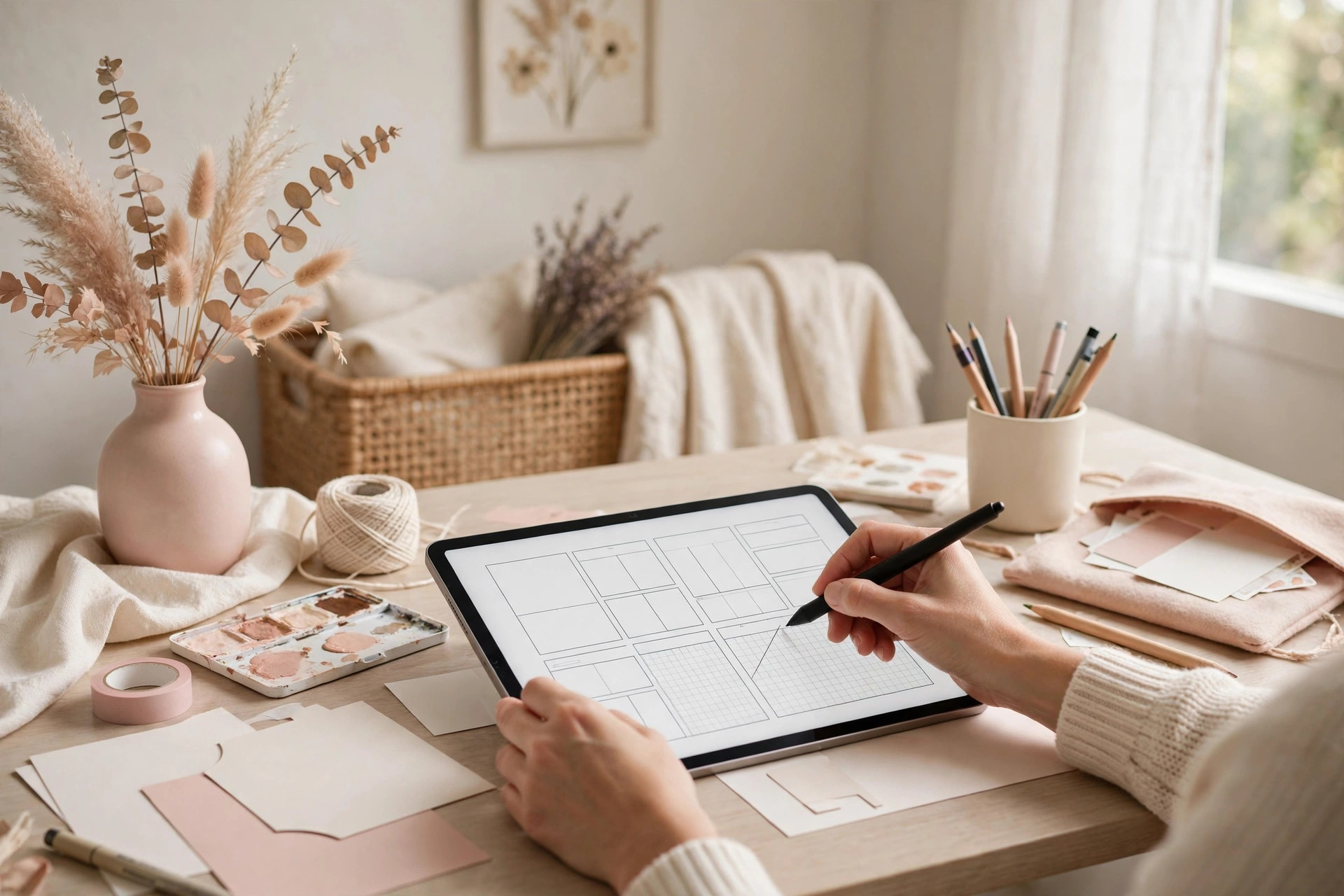
Quick answer: The best beginner ideas are simple, useful files: printable planners, checklists, budget sheets, wall art, party printables, and sticker sheets. Pick the idea you would enjoy making most, because you will spend many happy hours looking at it while you create it.
Not sure what to make first? These simple ideas are popular with first-time shop owners:
- Printable planners: Weekly planners, habit trackers, or cleaning schedules.
- Checklists: Packing lists, moving checklists, party-planning lists.
- Wall art: Simple quote prints or soft abstract designs for cozy homes.
- Budget pages: Monthly budget sheets or savings trackers.
- Party printables: Invitations, banners, or game cards for birthdays and showers.
- Sticker sheets: Pretty planner stickers or laptop decals that buyers print at home.
- Wedding stationery: Simple save-the-dates or table number cards for small weddings.
How Do I Price My First Digital Product Fairly?
Quick answer: Price fairly by checking the going range for similar products, matching the price to the product’s size, and starting in the middle of that range. Very low prices can make buyers doubt quality, while fair prices show you respect your own work.
Pricing is where many beginners freeze, but it does not need to be scary. When you start a digital product shop from home, fair pricing is simply about honesty and balance.
Start by looking at what similar products charge. Browse a few shops in your niche and notice the range for items like yours. You do not need to copy anyone’s price, but seeing the range gives you a realistic middle ground — and remember, pricing too low can make buyers doubt the quality.
- Start in the middle of the range. Not the cheapest and not the most expensive. A fair middle price feels safe for buyers and kind to you.
- Keep your first product simple, then price simply. A one-page checklist naturally costs less than a full 30-page planner. Match the price to the size of the product.
- Ask a friend for a gut check. Show the product and ask what they would expect to pay. Fresh eyes see what you cannot.
- Remember you can adjust. Nothing is permanent. If your product is not getting attention, a small price change is easy to try.
Avoid promising buyers they will save or earn a certain amount. Just describe what the product is and let the quality speak for itself.
How Do I Write Product Descriptions That Build Trust?
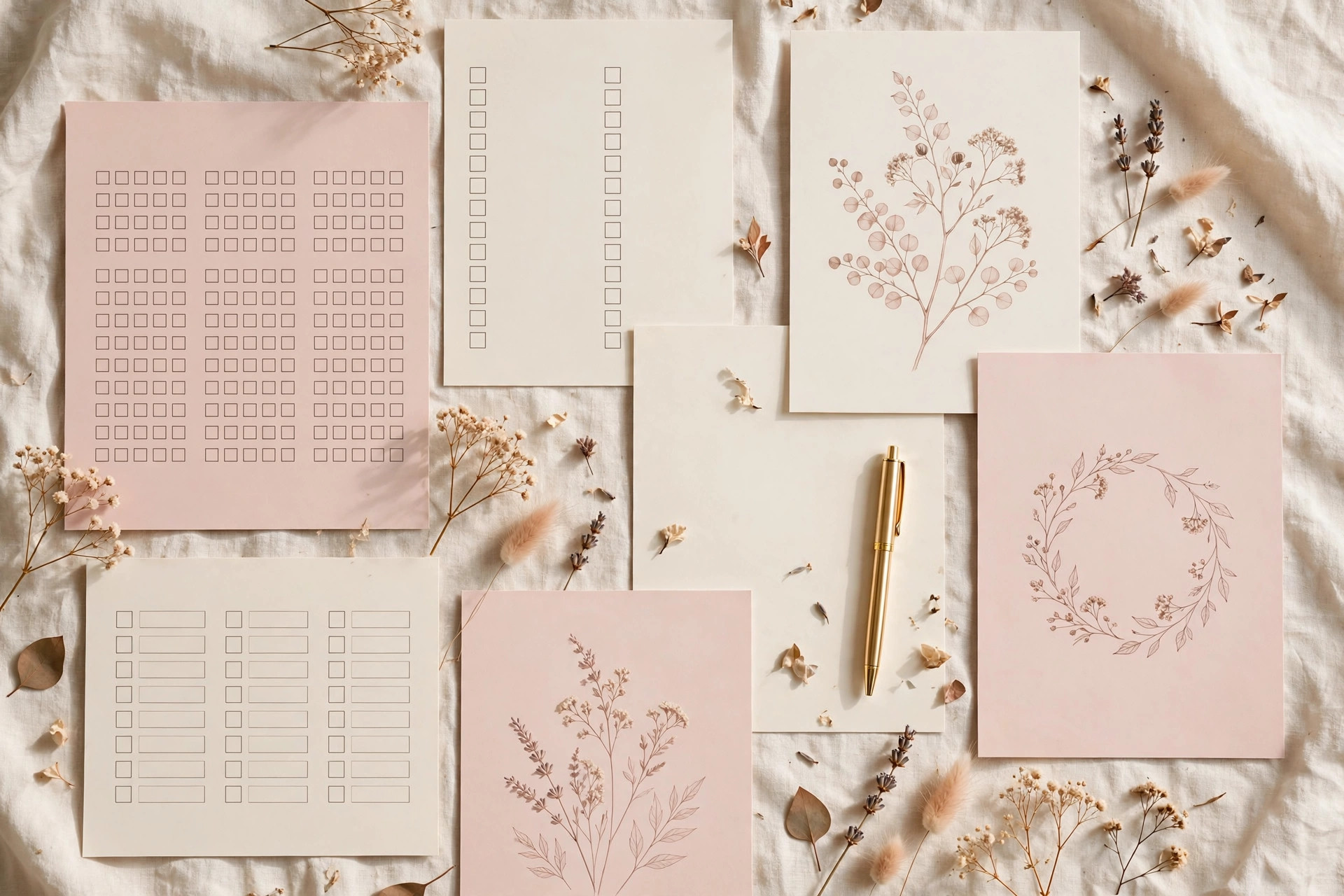
Quick answer: A trustworthy description says what the product is, lists exactly what is included, explains how to use it, and names who it is for. Specific details like page count and file type turn casual browsers into confident buyers.
Your product description is your shop assistant. It answers every question a buyer might have before they ask it. Clear descriptions build trust, and trust turns browsers into buyers.
A good description has four parts:
- Say what it is in one friendly sentence.
- List exactly what is included — how many pages, what sizes, what file types.
- Explain how the buyer uses it — print at home, use on a tablet, or both.
- Add one warm line about who it is for.
- Be specific. “A 12-page weekly planner with habit trackers” is far more trustworthy than “a great planner.”
- Use simple words. If a buyer cannot picture the product from your description, they will not buy it.
- Mention the file type. People want to know if they are getting a PDF, a PNG, or both before they pay. PDF remains the standard format for printable products because it looks the same on every device and printer — see Adobe’s guide to the PDF format.
- Say what is NOT included. A short line like “This is a digital download, nothing ships to you” prevents unhappy surprises.
- Keep your tone warm. Write like a helpful friend, not a sales page. Calm words sell better than pushy ones.
Pair every description with clear, honest preview images. Show the actual pages, not mock-ups that hide the details. Buyers reward honesty with trust, and trust comes back as good reviews.
What Mistakes Should I Avoid When I Start?
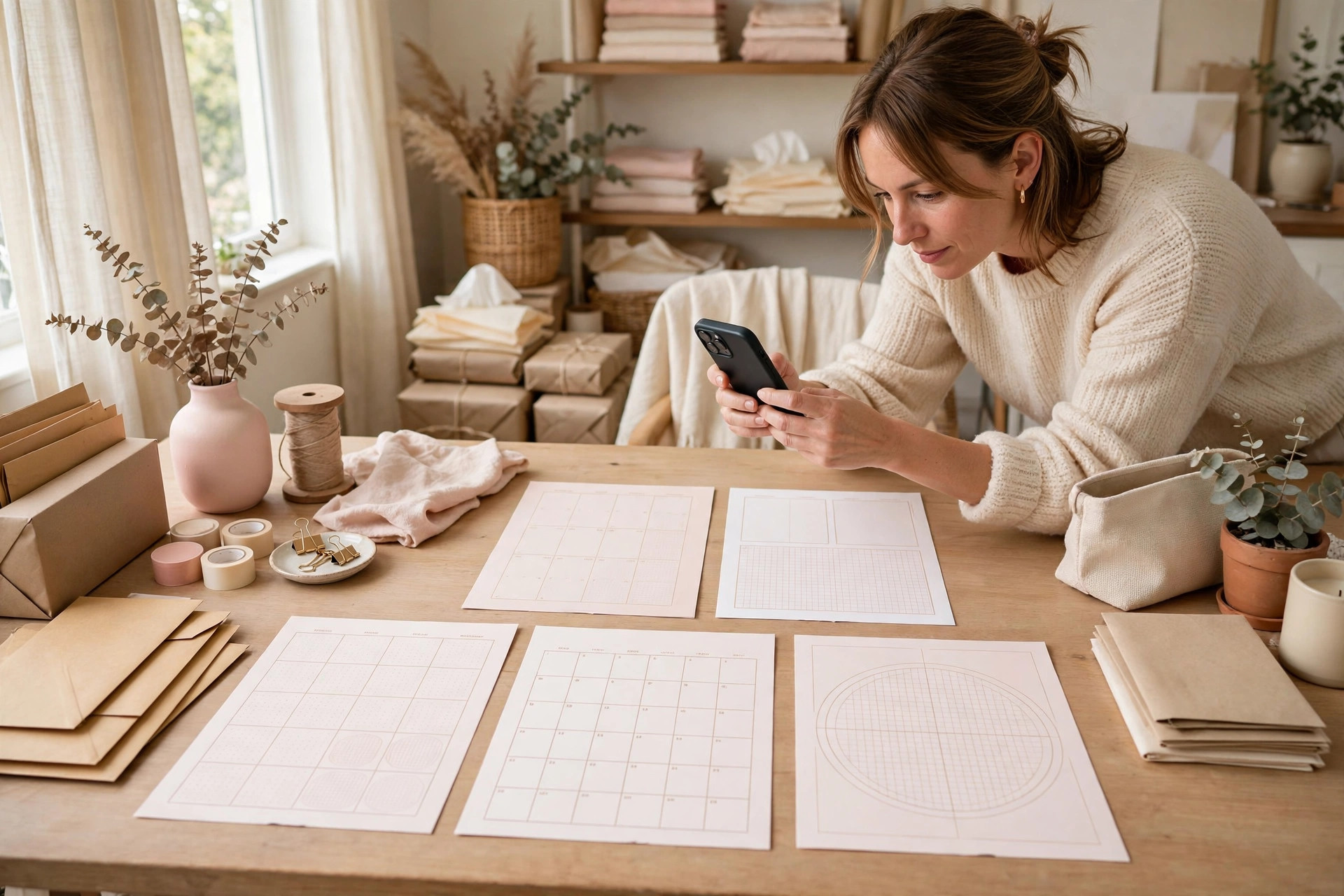
Quick answer: Avoid the classic beginner mistakes: selling too many products at once, skipping preview images, pricing from fear, ignoring platform rules, and forgetting to back up your files. Most importantly, give your shop time to be found before you judge it.
- Trying to sell everything at once. Start with one or two products. A small, tidy shop looks more trustworthy than a crowded one.
- Skipping the preview images. Buyers want to see what they are getting. Show clear, honest previews of every page.
- Pricing too low from fear. Price your work fairly for the time and care you put in. Very low prices can make buyers doubt the quality.
- Ignoring the rules. Read the platform’s policies about what you can sell. Also, only use fonts, images, and designs you have the right to use commercially.
- Forgetting to back up your files. Keep a copy of every product in cloud storage or on an external drive. Losing your only copy of a finished product is heartbreaking and easy to prevent.
- Giving up after a week. Most small shops grow slowly. Give your products time to be found before you decide anything.
How Do I Grow After My First Product?
Quick answer: Grow one product at a time by listening to buyer questions, creating natural companion products, and keeping a consistent style across your shop. Small, steady improvements compound, and a calm, slow-growing shop is one you can run for years.
Once your first product is listed, the kindest next step is to make a second one. Shops grow product by product, not overnight. A shop with three thoughtful products often does better than a shop with twenty rushed ones.
The smartest way to choose your next product is to listen. Read the questions buyers ask, notice which pages get the most views, and think about what naturally goes with your first product. If your first product was a weekly planner, a matching habit tracker or a monthly budget page makes a natural second product.
- Build small bundles. Two or three related products sold together feel like a gift set and are easier to promote than single items.
- Reuse what works. Keep the same fonts, colors, and layout style across your products. A matching shop looks professional and calm.
- Improve one thing each time. Maybe the second product has better preview images, or a clearer description. Small upgrades compound.
- Stay in your niche. Resist the urge to jump into a totally different category. Depth beats spread for small shops.
What Should I Do in My First Week?

Quick answer: In your first week, choose a niche, study what sells in it, sketch your product on paper, create it over two calm days, make honest preview images, then rest. One week, one product taking shape, zero pressure.
Big plans can feel overwhelming, so here is one small step per day for your first week:
- Day 1: Choose your niche. Write down three topics you know well and pick the one you enjoy most.
- Day 2: Look at what others sell in that niche. Notice what looks popular and what feels missing.
- Day 3: Sketch your first product on paper. Decide what it will include and how many pages it needs.
- Day 4: Start creating. Build the first half of your product without worrying about perfection.
- Day 5: Finish the second half and check everything reads clearly.
- Day 6: Make simple preview images showing what buyers will get.
- Day 7: Rest. Come back fresh next week to write your listing and publish.
One week, one product taking shape, zero pressure. That is how calm businesses begin.
Frequently Asked Questions
Do I need to be a designer to start?
No. Many successful digital products are simple and clean rather than fancy. Clear layouts and readable text matter far more than advanced design skills.
How much does it cost to start a digital product shop?
It can be very low-cost. Many beginners start with free design tools and a marketplace account. Your main investment is your time and care.
How long does it take to make the first product?
A simple printable can take a weekend, from idea to finished file. Start small, finish it fully, and list it. You can always make the next one better.
Learning how to start a digital product shop from home is really about starting small and staying consistent. One niche, one product, one listing at a time. There is no rush and no single right way, just your way, built gently from your own kitchen table. Save this guide for later, and take the first small step this week.
Leave a Reply