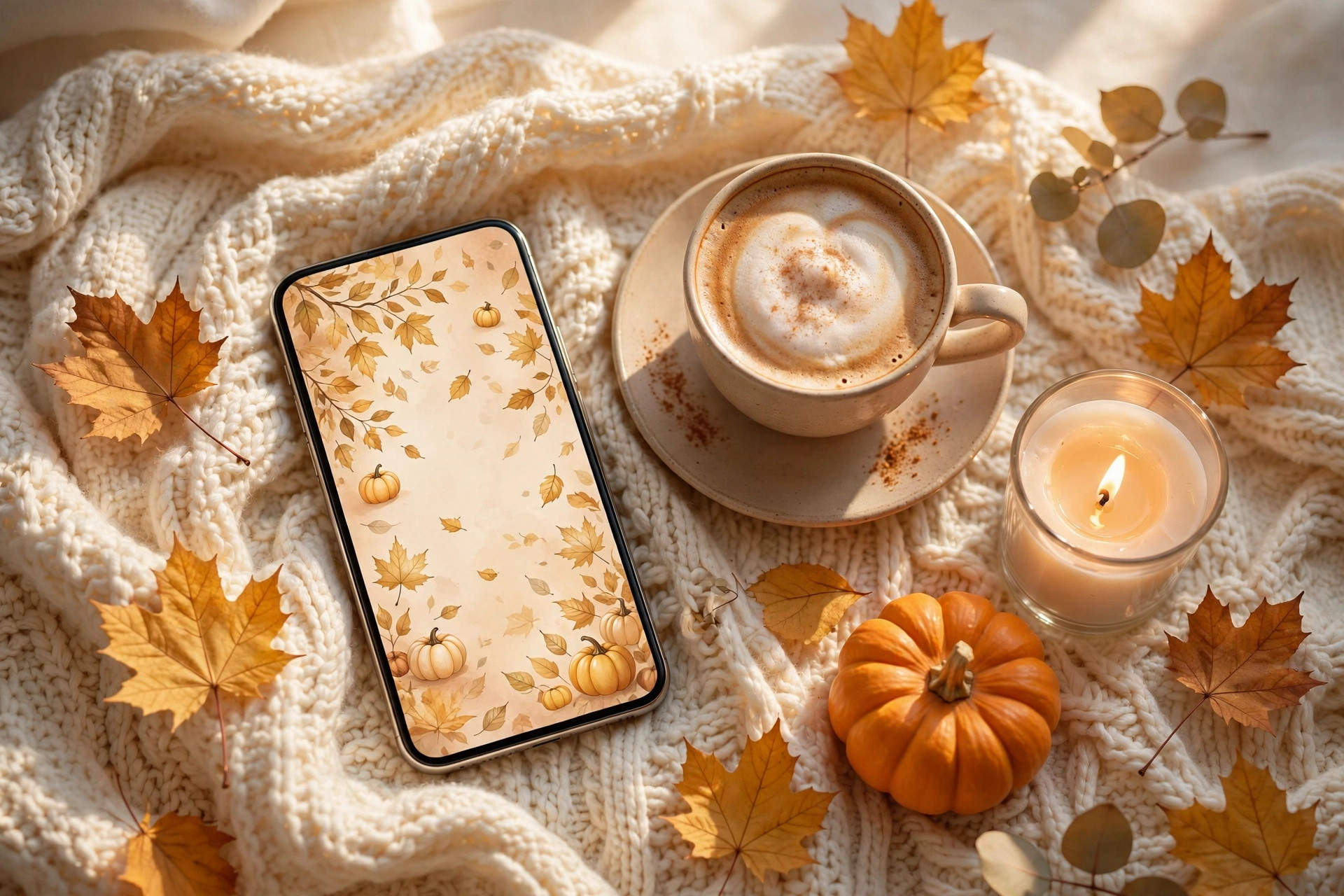
Last updated: October 2026
Quick answer: A cozy fall wallpaper is a seasonal phone background in warm autumn colours and imagery, from golden leaves to cosy cottage scenes. Pick a style you love, set a detailed image on your lock screen and a simpler companion on your home screen, and refresh it as autumn deepens.
Think about how many times you look at your phone each day. Dozens, probably hundreds. Your lock screen and home screen are the backdrops of your entire digital life — so why should they still be showing a summer beach photo when the leaves are turning gold outside your window? A cozy fall wallpaper is the simplest seasonal refresh there is: it takes two minutes, costs nothing, and makes every single unlock feel a little warmer.
Autumn aesthetics are having a huge moment, from pumpkin-spice everything to the return of cosy cottage style, and your phone deserves to join in. Whether you love moody forests, cute illustrated pumpkins, elegant minimal leaves, or warm coffee-toned gradients, there is a fall wallpaper with your name on it. This guide will help you find it, style it, and make your whole phone feel like autumn.
Why does your phone deserve an autumn refresh?
Updating your wallpaper is the digital equivalent of swapping summer throws for autumn blankets: a tiny ritual that marks the season’s turn. A calm, uncluttered autumn scene can also make unlocking your phone feel gentler, turning an ordinary glance into a small moment of seasonal joy.
We redecorate our homes for the seasons without thinking twice — cushions, candles, throws — yet the screen we stare at most stays unchanged all year. Updating your wallpaper is the digital equivalent of swapping your summer throws for autumn blankets. It is a tiny ritual that signals to your brain that the season has turned, and it brings a small spark of joy to an otherwise ordinary moment, like checking the time.
There is a wellbeing angle too. A calm, beautiful wallpaper can genuinely change how your phone feels to use. A cluttered or jarring background adds low-level visual stress every time you unlock; a soft autumn scene — misty trees, warm leaves, a quiet pumpkin patch — creates a moment of calm instead. If you are trying to be more intentional with your screen time, a soothing wallpaper is a surprisingly effective first step.
Seasonal wallpapers are also just fun. Matching your phone to the season is a small creative pleasure, like choosing a new notebook for autumn or lighting the first candle of September. And because it is so easy to change, you can update your wallpaper as the season progresses — golden leaves in early autumn, cosy indoor scenes as it gets colder, something a little moodier for late November.
Think of it as self-care for your digital space. You curate your home to feel calm and beautiful; your phone deserves the same consideration. Two minutes of effort, hundreds of tiny moments of autumn joy every day — that is an excellent return on investment. If your eyes ever feel tired after long screen sessions, the American Optometric Association recommends the 20-20-20 rule: every 20 minutes, look at something 20 feet away for 20 seconds.
Where can you find the perfect cozy fall wallpaper?
Start with wallpaper apps and websites for curated autumn collections in your phone’s exact resolution, browse Pinterest boards for human-curated favourites, support independent illustrators for unique designs, and do not overlook your own camera roll for the most personal option.
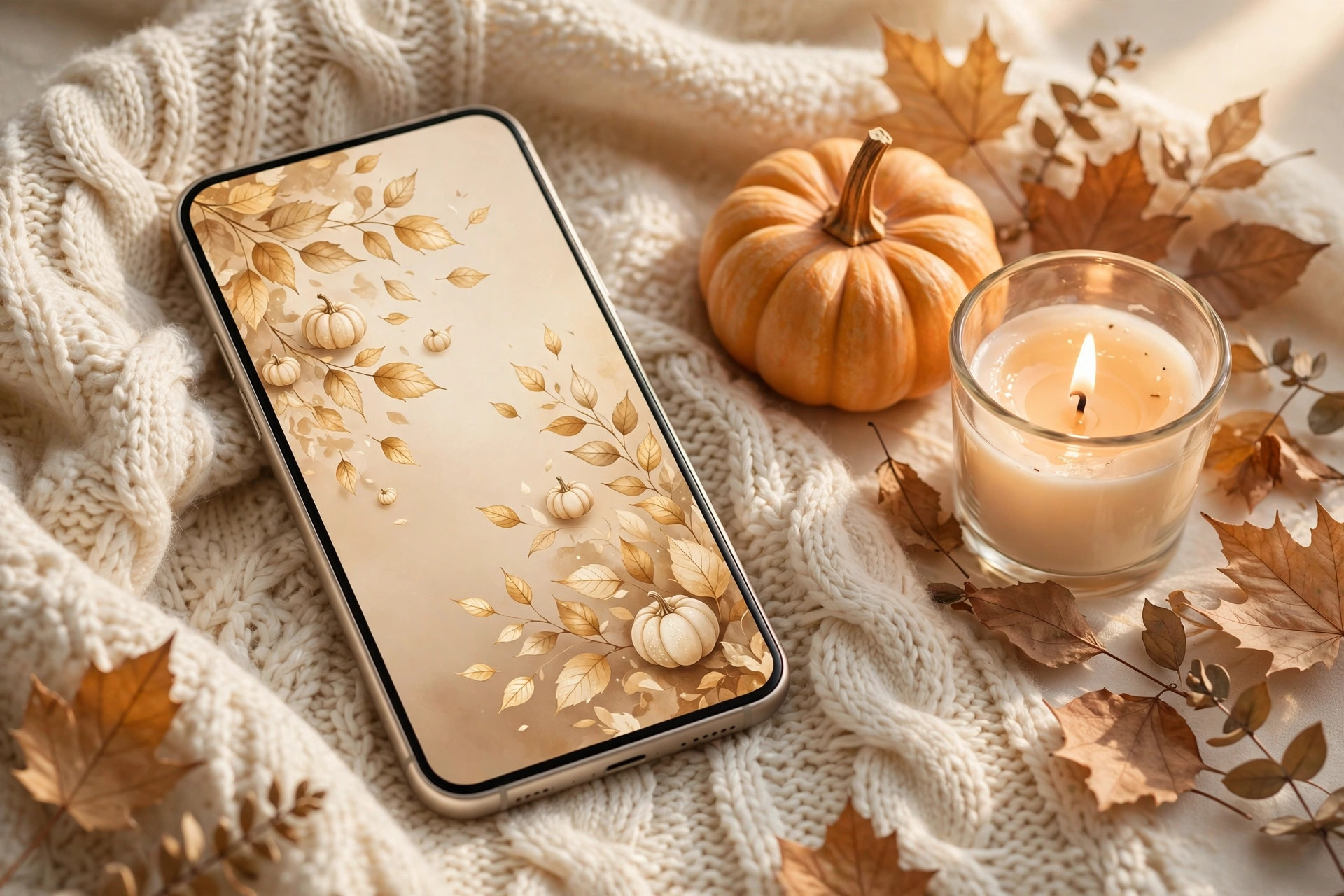
The internet is overflowing with beautiful fall wallpapers, but knowing where to look saves you from endless scrolling. Start with dedicated wallpaper apps and websites, where you can browse curated autumn collections and download in the exact resolution for your phone. Search terms like “cozy fall wallpaper,” “autumn aesthetic wallpaper,” and “fall leaves phone background” will surface thousands of options.
- Wallpaper apps and websites: curated collections, easy downloads, and the right resolution for your phone.
- Pinterest: a treasure trove of boards full of gorgeous options, from photography to illustration. The advantage is curation — real people have already sifted through the options and saved the prettiest ones. Save your favourites to a board so you can rotate through them across the season rather than choosing just one.
- Independent artists: many illustrators sell or share beautiful autumn wallpaper packs — hand-painted leaves, whimsical pumpkin scenes, elegant botanical designs — that you will not see on everyone else’s phone. Supporting an artist while getting a one-of-a-kind wallpaper is a lovely combination. Always check the usage terms, and credit the artist if you share a screenshot.
- Your own camera roll: that photo you took of golden leaves on your morning walk, the misty park at dawn, your pumpkin haul from the farm shop — personal photos make the most meaningful wallpapers. They carry memories as well as beauty, and nobody else in the world has the same one. Sometimes the perfect fall wallpaper has been sitting in your photos all along.
Which aesthetic styles should you try this season?
Try cosy cottage for warmth, moody autumn for drama, cute illustrated fall for playfulness, or minimal autumn for calm. Each style suits a different taste and home screen, so choose the one that matches how you want your phone to feel every day.
| Style | Look | Best placed on |
|---|---|---|
| Cosy cottage | Warm kitchens, knit blankets, steaming mugs, pumpkin displays in soft golden light | Home screen, kept uncluttered |
| Moody autumn | Misty forests, dark falling leaves, rain on windows, deep amber and forest green | Either screen; forgiving of icon clutter, lovely in dark mode |
| Cute illustrated fall | Cartoon pumpkins, smiling ghosts, kawaii leaves, pastel autumn scenes | Lock screen, where icons will not cover the illustration |
| Minimal autumn | A single golden branch on cream, a soft beige gradient, an elegant line-drawn pumpkin | Home screen, where icons stay easy to find |
Fall wallpaper aesthetics are wonderfully varied, so there is a style for every taste. The cosy cottage style is the most beloved: warm kitchens, knit blankets, steaming mugs, and pumpkin displays in soft golden light. These wallpapers feel like a hug and pair beautifully with a calm, uncluttered home screen.
Moody autumn is the sophisticated sibling — misty forests, dark falling leaves, rain on windows, deep amber and forest green tones. If your personal style leans elegant and dramatic, moody wallpapers look stunning, especially on phones with dark mode. They are also the most forgiving of app icon clutter, since the darker tones recede behind your apps. Those golds and ambers are not just decorative: the USDA Forest Service explains that autumn leaf colour appears as chlorophyll breaks down, revealing yellow and orange pigments already present in the leaves.
Cute illustrated fall is pure joy: cartoon pumpkins, smiling ghosts, kawaii leaves, and pastel autumn scenes. These playful wallpapers are hugely popular and guaranteed to make you smile. They work best on the lock screen, where you see the full illustration without app icons covering it up.
Minimal autumn is for the less-is-more crowd: a single branch of golden leaves on a cream background, a soft beige gradient with subtle texture, an elegant line drawing of a pumpkin. Minimal wallpapers keep your phone feeling calm and make your app icons easy to find. If you find busy wallpapers distracting, this is your style — proof that autumn does not have to shout to be beautiful.
How do you match your wallpaper to your home screen?
Follow one golden rule: if the wallpaper is busy, keep the home screen minimal, and if it is simple, you can add a few more widgets. Put your most detailed image on the lock screen and a simpler companion on the home screen, then try both light and dark mode.
A gorgeous wallpaper can be ruined by a chaotic home screen, so take a few minutes to style the two together. The golden rule is contrast: if your wallpaper is busy, keep your home screen minimal, and if your wallpaper is simple, you can afford a few more widgets and folders. Your wallpaper should be the star; your apps are the supporting cast.
- Choose which screen gets the detailed wallpaper. Your lock screen shows the full image with no icons, so it is the perfect place for your most beautiful, detailed autumn scene. Your home screen, covered in app icons, suits a simpler companion — perhaps a cropped section of the same image, or a plain warm-toned background that coordinates. Many wallpaper packs include matching lock and home screen pairs designed exactly for this.
- Customise icons and widgets lightly. Autumn-toned icon packs — warm browns, creams, burnt orange — are widely available and transform a home screen in minutes. A simple photo widget showing your favourite autumn picture, or a minimal clock widget in a warm tone, adds polish. You do not need to go overboard; even just moving apps into a few tidy folders makes an enormous difference.
- Try dark mode. Many autumn wallpapers look completely different — and often more beautiful — with dark mode enabled. Moody forest scenes glow, warm tones deepen, and the whole phone feels cosier after dark. Try your new wallpaper in both modes and see which you prefer; you might find your autumn aesthetic has a whole second personality after sunset.
How can you make your own fall wallpaper?
Start with a favourite autumn photo, crop it to your phone’s wallpaper size, and warm it slightly with your phone’s built-in editor. For a designed look, layer minimal text in a free design app, or shoot a flat-lay of autumn objects from directly above in soft natural light.
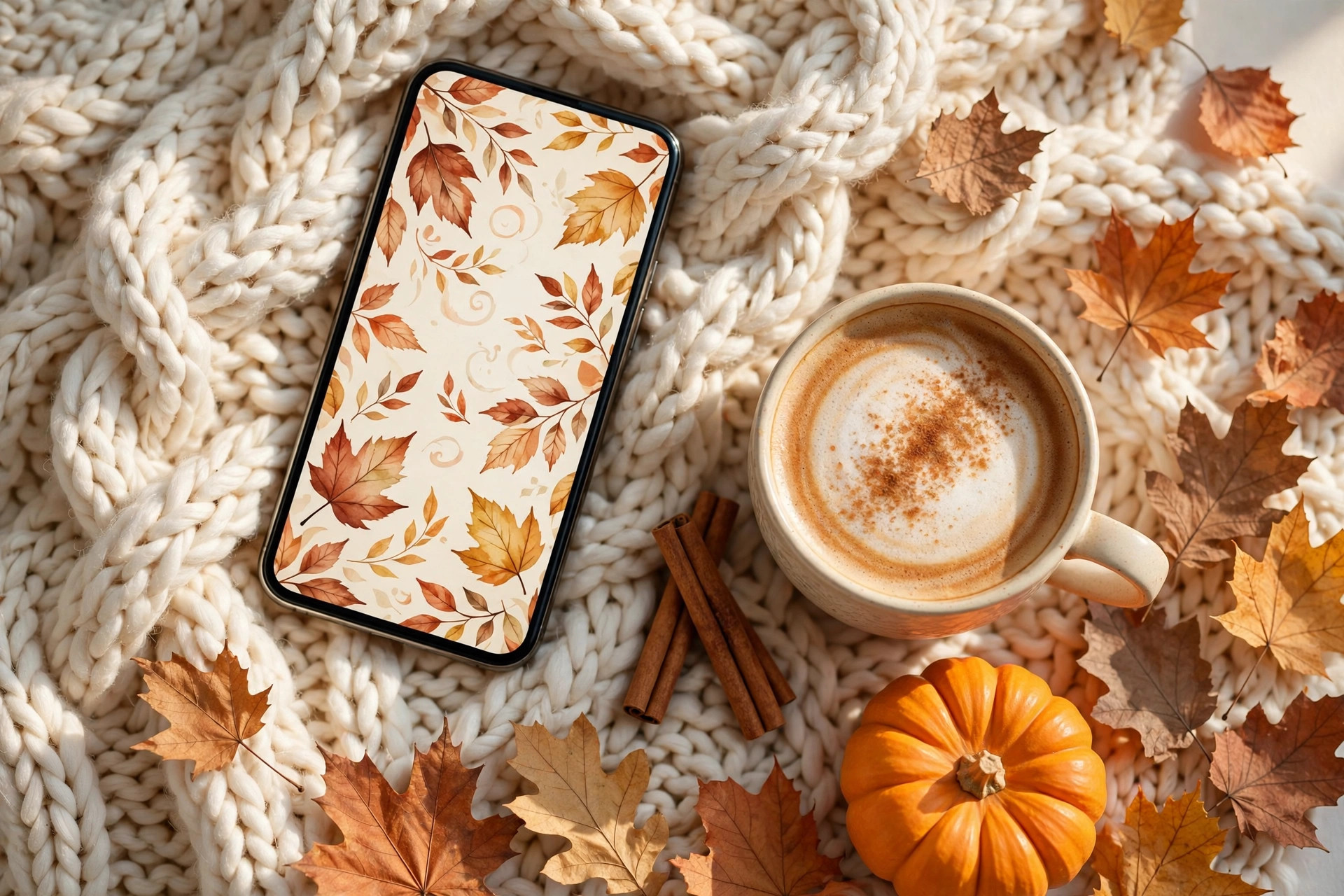
For the most personal wallpaper of all, make your own. You do not need design skills — your phone’s built-in editing tools and a few free apps are more than enough. Start with a favourite autumn photo from your camera roll: golden leaves, a pumpkin display, a misty morning, your cosy reading corner.
First, crop it to your phone’s wallpaper dimensions. Most phones let you pinch and position the image when setting it as wallpaper, so frame the most beautiful part — usually slightly off-centre looks best. Then adjust the basics: a little extra warmth, slightly deepened shadows, and a touch more saturation will make any autumn photo glow. Most phone photo editors have an “auto enhance” that does a decent job as a starting point.
For a more designed look, try a free design app. You can layer text — a favourite autumn quote in an elegant font — over a soft photo background, or create a simple collage of your best fall photos. Keep text minimal and place it where the clock will not cover it; the upper third of the screen is usually safe. A simple, well-placed quote over a misty forest photo is genuinely beautiful.
Another lovely DIY option is the flat-lay wallpaper: arrange autumn objects — leaves, a candle, a small pumpkin, a knit scarf — on a neutral background and photograph from directly above. Style it in your favourite autumn colours, shoot in soft natural light, and you have a completely unique wallpaper that doubles as a gorgeous photo. It is a fun fifteen-minute creative project with a reward you will see a hundred times a day.
What small touches complete a cosy autumn phone?
Change your phone case to a seasonal tone, update app themes where you can, add a rotating autumn photo widget, and set a reminder to refresh your wallpaper as early autumn gold gives way to late autumn cosiness and then winter sparkle.
Once your wallpaper is sorted, a few more tiny tweaks complete your phone’s autumn transformation. Change your phone case to something seasonal — a deep rust, forest green, or warm tortoiseshell case extends the aesthetic to the physical object. It is a small change with a surprisingly big effect, since the case frames your wallpaper every time you pick up the phone.
Update your most-used app appearances where you can. Many apps offer seasonal or custom themes — a warm-toned keyboard, an autumn reading app background, a cosy notes app colour scheme. These micro-customisations add up to a phone that feels coherent and calm rather than a jumble of default settings.
Consider an autumn photo widget on your home screen that rotates through your favourite seasonal pictures. Watching your own autumn memories — apple picking, bonfire night, golden walks — cycle through the day is a quiet joy. It also encourages you to keep taking beautiful seasonal photos, knowing they have a lovely home waiting.
And finally, set a reminder to refresh again as the season turns. Early autumn’s golden leaves give way to late autumn’s cosy interiors, and then to winter’s sparkle. Each refresh is a two-minute ritual that keeps your digital life in step with the real seasons. Your phone is with you everywhere — let it carry a little autumn with you, wherever you go.
So go ahead: find that perfect cozy fall wallpaper, tidy your home screen to match, and enjoy the small daily pleasure of a phone that feels like the season. It is the easiest autumn refresh you will ever do — and quite possibly the one you will notice most. Happy autumn, and happy scrolling.
Leave a Reply