
Last updated: November 2026
Quick answer: To add a Christmas banner to your Etsy shop, open your Shop Manager, go to the banner section under your shop settings, and upload a festive image in the size Etsy asks for. It takes only a few minutes, and you can swap it back after Christmas.
Your Etsy shop is your little corner of the internet, and at Christmas it deserves to feel like it. If you have been wondering how to add christmas banner to etsy shop pages without getting tangled in confusing settings, you are in exactly the right place. A festive banner is one of the simplest seasonal touches a seller can make, even if you have never designed anything before.
Think of your banner as the welcome sign above your shop door. At Christmas it can quietly tell visitors that your shop is open, active and full of thoughtful gifts. In this guide, we will walk through where the banner goes, what size it needs to be, and what to put on it. No design degree needed.
What Is an Etsy Shop Banner, and Where Does It Show?
Quick answer: An Etsy shop banner is the wide image at the top of your shop page, above your listings. Shoppers see it the moment they land on your shop, so a Christmas version makes the whole shop feel seasonal.
When someone clicks through to your shop, the first thing they meet is your banner. It stretches across the top of the page, with your shop name and icon alongside it, setting the mood before a single listing is looked at.
Etsy gives you two banner styles. The big banner is a wide image that fills the top of your shop page, while the mini banner is a smaller strip beside your shop icon and name. A big banner suits a bold festive scene; a mini banner suits a simple seasonal touch.
In our experience, sellers who change their banner with the seasons look more active and cared for. A Christmas banner tells a visitor the shop is being looked after. Small details like this build trust.
How to Add a Christmas Banner to Etsy Shop: A Step-by-Step Guide
Quick answer: Open Shop Manager, head to your shop settings, find the banner section, and upload your Christmas image. Check it on a phone and a computer, then save — the whole job takes under ten minutes.

Here is how to add christmas banner to etsy shop settings, step by step. Take it slowly — you can change your banner as often as you like, so nothing here is permanent.
- Open your Shop Manager. Sign in to Etsy, click your shop icon, and choose Shop Manager from the menu.
- Find your shop settings. Look for the pencil icon next to your shop name, or the edit option in your shop settings.
- Scroll to the banner section. You will see your current banner and the sizes Etsy expects.
- Upload your Christmas image. Choose your festive banner and upload it. Etsy will show you a preview.
- Adjust the crop if needed. Move or crop the image so the prettiest decorations are not cut off.
- Preview on a phone and a computer. Banners can look very different on a small screen, so check both for cut off text.
- Save your changes. Once you are happy, save. Your Christmas banner should now show at the top of your shop.
If the banner does not appear straight away, refresh the page. Sometimes it just needs a moment to catch up.
What Size Should My Christmas Banner Be?
Quick answer: Etsy asks for a big banner of 3360 by 840 pixels or a mini banner of 1200 by 300 pixels. Use those sizes and keep text away from the edges.
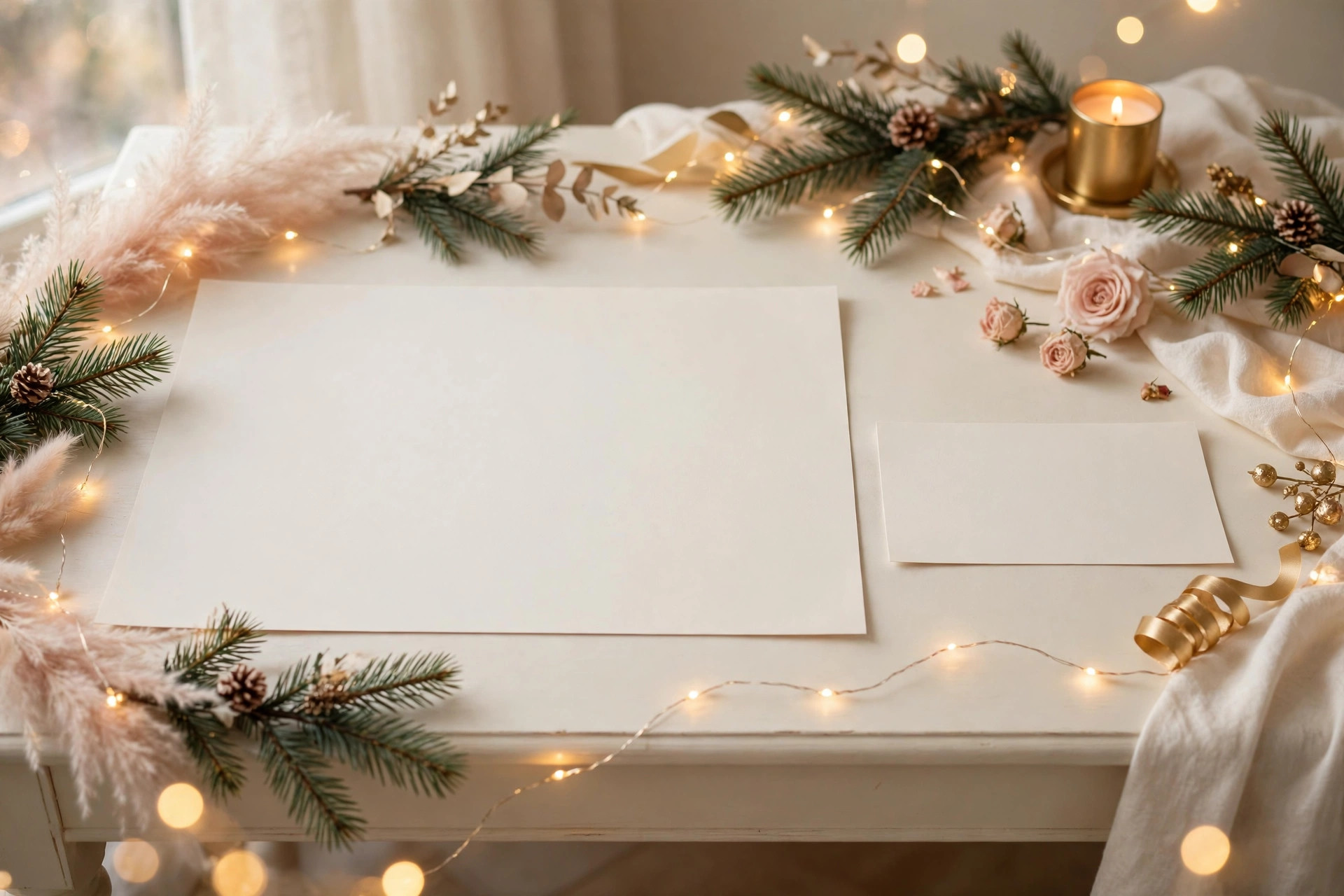
Size matters more than most beginners expect. Upload a banner that is too small and it can look blurry or stretched. Upload the wrong shape and Etsy may crop out the very thing you wanted people to see.
Etsy publishes the banner sizes it expects in its own help pages, so you do not need to guess. The two standard options are shown below — always double check them in your Shop Manager before you upload.
| Banner type | Size in pixels | Best for |
|---|---|---|
| Big banner | 3360 x 840 | A bold festive scene |
| Mini banner | 1200 x 300 | A small seasonal touch |
A few tips will help your banner look sharp. Save photos as a JPG and graphics as a PNG. Most importantly, keep text away from the edges, because different screens crop banners slightly differently. Keep the middle of the image as the star.
What Should I Put on My Christmas Banner?
Quick answer: Keep it simple: a festive scene that matches what you sell, your shop name if it fits naturally, and one short seasonal message. Avoid clutter and tiny text that fights with your listings.
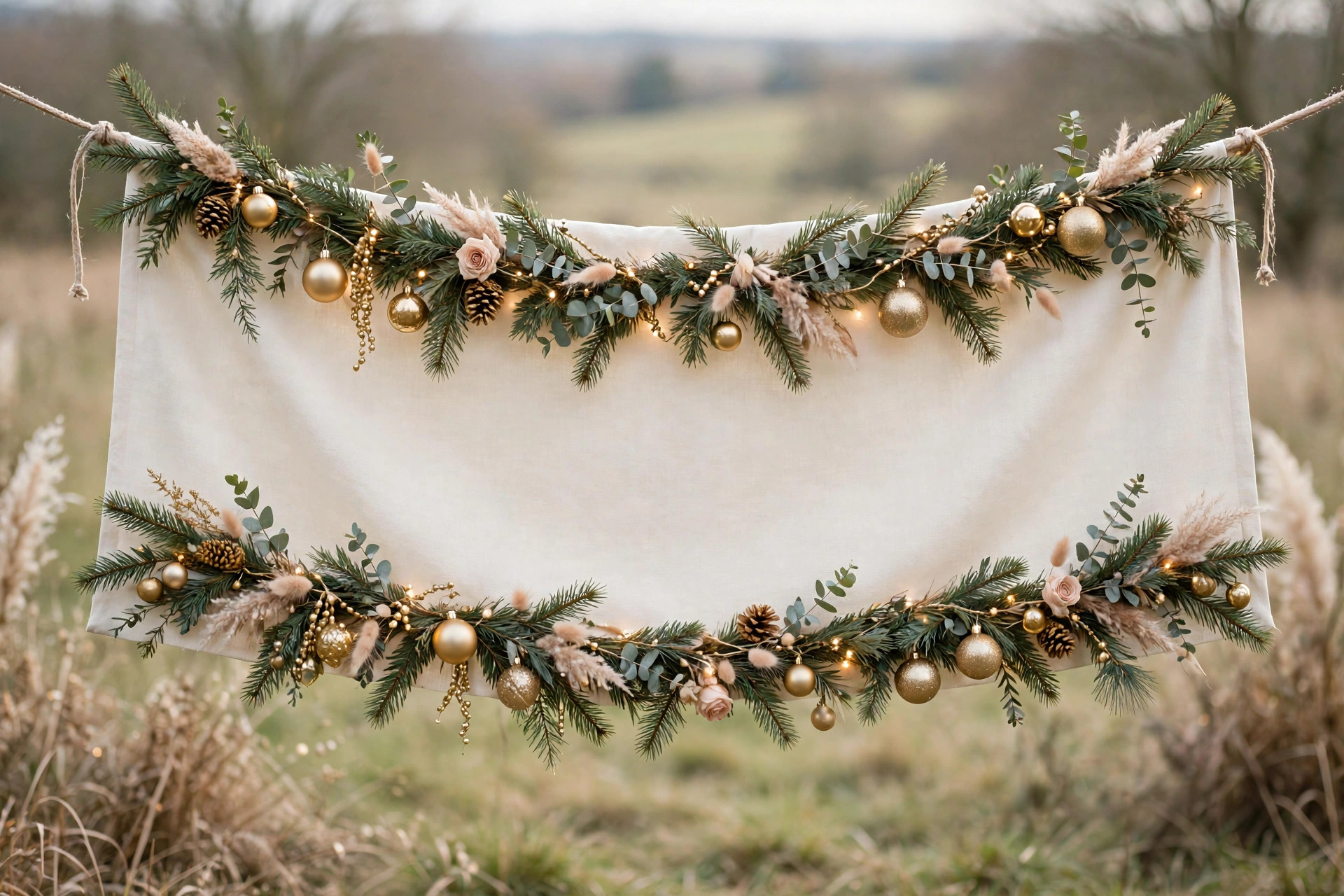
A good Christmas banner does not need to say very much. A soft festive scene, a few sprigs of pine or some warm fairy lights can set the mood in a second. Your listings do the selling; your banner just sets the scene.
Start with what you sell. Candles suit warm candlelight and pine; jewellery suits soft gold tones and a touch of sparkle; baby clothes suit a cosy, gentle scene. The banner should feel like a natural extension of your shop, not a random Christmas picture.
As for words, less is more. A short phrase like “Handmade for Christmas” or “Festive Finds Inside” is plenty. Use large, clear lettering placed where your shop icon will not cover it. If a shopper has to squint, the message is lost.
Colour matters too. Deep green, warm red and soft gold always work, but you do not need them all at once. Pick two or three colours that suit your brand. A calm, coordinated banner looks far more professional than a busy one.
How Can I Make a Christmas Banner Without Design Skills?
Quick answer: Use a free design tool with a banner template, swap in your own colours and words, and download it at the size Etsy asks for. You can also use one of your own festive photos.

You do not need to be a designer to make a lovely Christmas banner. Free design tools online offer ready made banner templates in the right sizes — using one is mostly a matter of swapping the words and colours and adding your own photo. If you can type and click, you can do this.
- Start with a template. Search for a banner template in the size Etsy asks for, and pick one that already looks close to what you want.
- Change the colours. Swap in your own brand colours, with a festive accent like deep green or soft gold.
- Add your own photo. A photo of your products styled with pine or ribbon often beats a stock image, because it is genuinely yours.
- Keep the words short. One short phrase is enough, made big and easy to read.
- Download at full size. Save your finished banner as a JPG or PNG at the size Etsy asks for.
If design tools feel like too much, a simple photograph can work beautifully on its own. A flat lay of your products on a festive background, or a neatly wrapped parcel with ribbon, can make a charming banner with no design work at all. Just make sure the photo is clear and well lit.
Before you upload, ask a friend to look at it on their phone. If they can tell it is Christmas and sense what you sell, your banner is doing its job.
What Christmas Banner Mistakes Should I Avoid?
Quick answer: Avoid tiny unreadable text, cluttered images, and banners that clash with your products. Never use images you do not own, and always check how the banner looks on a phone before you save it.
Most Christmas banner mistakes come from trying to fit too much into one small space. A banner is a wide, shallow strip, and it works best when it stays calm and simple. Here are the slip ups we see most often.
- Tiny text. If your message cannot be read on a phone at a glance, it is too small.
- Too much going on. Ten decorations and three messages will fight each other. Choose one clear idea.
- Images you do not own. Never lift a photo or graphic from a search engine and use it in your shop. Use your own photos, or images from a source that clearly allows commercial use. Etsy’s own guidance reminds sellers to respect intellectual property — see Etsy’s Seller Handbook for the official rules.
- Forgetting the phone check. A banner that looks perfect on a laptop can crop badly on a small screen. Always preview on mobile before you save.
- Leaving it up too long. A Christmas banner in February looks forgotten. Set a reminder to swap it back after the season.
One more thing: your banner is part of your shop’s first impression, not the whole impression. If your banner is lovely and your listings are clear and well photographed, the two work together. So think about your listing photos too.
How to Add a Christmas Banner to Etsy Shop: Your Questions, Answered
Quick answer: Most banner worries have simple answers. You can change your banner whenever you like, you do not need a designer, and a simple festive photo often works better than a complicated design.
Can I change my Etsy shop banner back after Christmas?
Yes. You can change your banner as often as you like, so simply upload your usual banner again when the season ends.
Do I need a designer to make a Christmas banner?
No. A free design tool with a template, or even a good festive photograph of your own, is enough. Keep the design simple and the words short.
Will a Christmas banner help my shop get more sales?
A banner on its own will not bring in sales, and no honest guide should promise that it will. What it can do is make your shop feel current and cared for. Think of it as good shopkeeping, not a magic trick.
How often should I update my shop banner?
Seasonal changes suit most sellers. A Christmas banner from late November through December, then a fresh banner for the new year, keeps your shop looking alive.
A Christmas banner is a small job with a warm payoff. It takes only a few minutes, it costs nothing, and it tells every visitor that your shop is awake and ready for the season. Make it simple, make it yours, and enjoy your little corner of Etsy dressed up for Christmas.
Leave a Reply