
Last updated: November 2026
Quick answer: Refresh your Etsy listings for January by updating your photos with soft winter light, rewriting titles so shoppers understand each item in seconds, improving your tags, and tidying descriptions. Small, honest updates can make your whole shop feel fresh again.
After the Christmas rush, many Etsy shops look a little tired, and learning how to refresh etsy listings january sales shoppers will actually notice is mostly about small, careful updates, not starting over. A fresh photo here, a clearer title there, and better keywords throughout can make your listings feel brand new.
This guide walks you through a gentle refresh, listing by listing. You will learn what to update first, how to take better January photos, how to write titles and tags that help shoppers find you, and what to do once the refresh is done. Bring a cup of tea, open your shop, and let us begin.
How to Refresh Etsy Listings January Sales Shoppers Will Notice
Shoppers notice listings that look fresh, clear, and cared for, so start with a simple checklist and work through your shop in small batches. Refreshing three to five listings at a time keeps the quality high and stops the job from feeling endless.
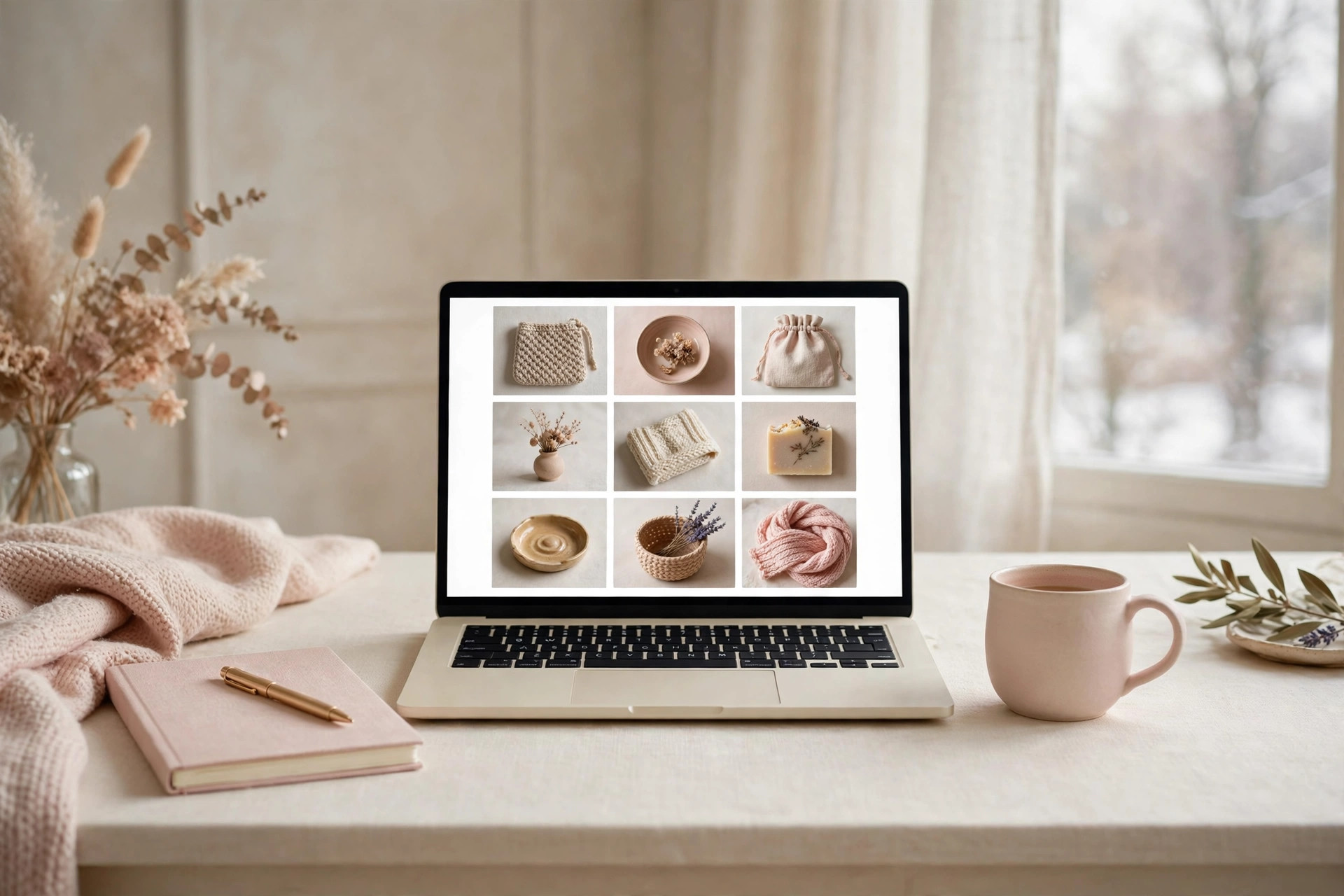
Before you change anything, make a simple refresh checklist you can reuse for every listing: new first photo, clearer title, honest January keywords, tidier description, and a quick check of processing times and shop policies. Having the list written down keeps the work calm and consistent.
Then choose your order wisely. Start with your bestsellers, because they get the most views and the refresh will be seen by the most people. Next, refresh the listings that get many views but few sales, because a better photo or clearer title may be all they need.
- Write a five-point refresh checklist and reuse it every time.
- Start with bestsellers, then high-view listings with few sales.
- Refresh three to five listings per session, no more.
- Save your notes so next season’s refresh is even easier.
How Do You Take Better January Photos?
January photos work best in soft, natural light with simple styling, so let your product be the star and keep the scene calm and uncluttered. Winter light is soft and gentle, and a plain pale background keeps the focus exactly where it belongs.
Photograph near a large window on a bright morning and let the daylight do the work. A single simple prop, like a sprig of greenery, adds warmth without distraction.
Etsy lets sellers add up to ten photos to each listing, so use that space well. Your first photo should show the whole product clearly. Then add a close-up of the detail or texture, a photo showing the size or scale, one showing the item in use, and one of the packaging. Shoppers who can see every angle feel more confident about buying. You can check the photo guidance in the Etsy Help Centre at help.etsy.com.
Take all your photos in one session if you can, using the same background and light. Consistent photos make your shop look polished and professional, and they help shoppers trust what they see.
How Do You Rewrite Titles Shoppers Understand in Seconds?
A good listing title says what the item is, who it is for, and what makes it special, all in plain words a shopper can grasp at a glance. Put the most important words first, and only include words that truly describe the item.
Read your current titles out loud. If a stranger could not tell what you sell from the title alone, it needs a rewrite. Put the most important words first: the item itself, then its material or style, then who it is for or how it is used.
Keep your titles honest. Shoppers trust shops whose titles match the product, and clear titles also help search engines understand what you sell. The Etsy Seller Handbook explains how search reads titles and tags, and you can read it at etsy.com/seller-handbook.
- Write the item name first, in plain words.
- Add the material, colour, or style next.
- Finish with who it is for or how it is used.
- Read it aloud and remove any word that adds nothing.
How Do You Choose Better Keywords and Tags?
Better keywords come from thinking like a shopper, so use the exact phrases real people type when they are looking for something like yours. Longer, specific phrases usually match shoppers who already know what they want.

Imagine you are the shopper. What would you type into the search bar? Would you search for “candle”, or for “cosy winter candle gift for her”? Write down ten phrases your ideal buyer might use, and check which ones honestly fit each listing.
Etsy allows up to thirteen tags on each listing, and each tag is a chance to be found. Use all thirteen where you can, with different phrases in each one. Mix broad tags, like “winter home decor”, with specific ones, like “handmade ceramic mug speckled glaze”. Avoid repeating the same phrase in every tag, because variety helps you appear in more searches.
January brings its own useful words. Phrases like “new year gift”, “january self care”, and “fresh start planner” are honest seasonal keywords, if they truly fit your products. Add them where they belong, and remove December words like “Christmas gift” that no longer match the season.
- Use all thirteen tags on every listing.
- Mix broad phrases with specific, detailed ones.
- Swap December words for honest January phrases.
- Never add tags that do not describe the item.
What Should You Update in Descriptions and Policies?
January descriptions should feel current and helpful, so remove Christmas wording, answer the questions shoppers ask, and check your processing times still fit. A shopper who finds every answer in the description feels confident enough to buy.
Start by searching your descriptions for December words. Mentions of Christmas delivery deadlines or “order before December” dates will confuse January shoppers, so replace them with fresh, seasonal wording. A short line about January gifting or new year fresh starts feels much more welcoming.
Then make sure the description answers the questions shoppers actually ask: the size, the materials, how to care for the item, and what is included. Finally, check your processing times and shop policies, and update them honestly for January.
How to Refresh Etsy Listings January Sales Without Starting Over
You do not need to start over to feel fresh, because small tweaks to photos, titles, and tags are often enough to renew a listing completely. One good change beats ten rushed ones, and refreshing keeps the reviews and favourites your listing has already earned.

The biggest mistake sellers make in January is trying to redo everything at once. A full relaunch of every listing is exhausting and rarely needed. Instead, pick the one change that will help each listing most. For one listing, that might be a brighter first photo. For another, it might be a clearer title.
Keep your listing history in mind too. Listings with reviews, favourites, and sales history carry trust that a brand-new listing does not have. Refreshing an existing listing keeps that history, while deleting and relisting loses it. Unless a listing is truly wrong for your shop, refresh it rather than replacing it.
Give each refresh a little time to work. Search results and shopper habits do not change overnight, so update a batch, then move on to the next one. Patience is part of the refresh, and your steady effort will show over the coming weeks.
| Refresh option | Effort | Best for |
|---|---|---|
| New first photo | Low | Listings with good titles but weak photos |
| Clearer title | Low | Listings shoppers do not understand quickly |
| Better tags | Low | Listings with few views from search |
| Full rewrite | High | Listings with outdated seasonal wording |
What Should You Do After You Refresh Your Listings?
After refreshing, tell people about it, watch what changes, and keep the momentum going with gentle, regular updates. A small monthly refresh, even just three listings at a time, keeps your shop feeling alive all year.

Share your refreshed listings with your audience. A simple social media post showing a before-and-after photo, or a short note that your shop has had a fresh start for the new year, gives past visitors a reason to come back and look. You do not need a big announcement; a warm, honest update is enough.
Then watch your shop stats gently over the next few weeks. Notice which refreshed listings get more views or favourites. Your stats show you what shoppers respond to, so your next refresh can be even better.
- Share refreshed listings on social media with a warm update.
- Check your stats weekly and note what improves.
- Refresh a few listings every month to stay current.
- Celebrate small wins, like a favourite or a kind message.
Your Listing Refresh Questions, Answered
Here are the questions sellers ask most when refreshing their listings, answered simply so you can get started with confidence and finish January with a shop that feels fresh, clear, and welcoming.
How many listings should I refresh in January?
Start with your bestsellers and your most-viewed listings, about ten to fifteen in total. Refresh three to five per session so the work stays enjoyable. Once those are done, continue through the rest of your shop at a gentle pace.
Do I need new photos for every listing?
Not always. If a photo is bright, clear, and honest, it can stay. Replace the photos that look dark, cluttered, or outdated first. A new first photo alone can transform how a listing feels, so prioritise the images shoppers see first.
How long does it take for a refresh to show results?
Give each refreshed listing a few weeks before judging it. Search visibility and shopper habits shift gradually, not overnight. Track views and favourites weekly, and compare them gently over a month rather than day by day.
Should I change my prices when I refresh?
A refresh is about clarity, not pricing, so there is no need to change prices just because it is January. Focus on better photos, clearer titles, and honest keywords. If your costs or materials have changed, review your pricing separately and calmly.
A January refresh is a kind gift you can give your shop. With brighter photos, clearer titles, better tags, and tidier descriptions, your listings can welcome the new year feeling fresh and cared for. You do not need to do it all today. Pick one listing, make one good change, and let the momentum grow from there.
Ready to start? Open your shop now, choose your bestselling listing, and give it a fresh first photo. That one small update is the beginning of a brighter January for your shop.
Leave a Reply