Last updated: November 2026
Quick answer: To use Etsy video listings for Christmas shoppers, add a short, clear video to your listing that shows your product in real life, in use, and at true scale. Film in soft natural light with your phone, keep it simple, and let the first few seconds show the gift itself.
Christmas shoppers want a thoughtful, handmade gift. A photo shows what your product looks like, but a video shows more: how a candle flickers and how a gift box opens. Learning how to use etsy video listings for christmas shoppers can make a real difference, even if you have never filmed before.
You do not need fancy equipment or editing skills, just your phone, a tidy surface, good light, and a few minutes. In this guide, we will walk through what video listings are, how to film one, what to show first, and the mistakes to avoid.
What are Etsy video listings and why do Christmas shoppers love them?
Etsy video listings are ordinary listings with a short video added beside the photos. The video plays when a shopper opens the listing, giving a moving look at your product before they buy. It is a simple way to build trust.
Etsy is a global marketplace for handmade items, vintage goods, and craft supplies. Shoppers want to see the texture of the yarn and the shine of the glaze, and a still photo can only hint at those things, while a video proves them.
Christmas makes video even more useful. Shoppers buy gifts for others, often unseen, and worry about size, colour, and whether it will feel special unwrapped. A short video answers those worries in seconds, and a moving thumbnail helps your listing stand out.
How to Use Etsy Video Listings for Christmas Shoppers: Filming with Just a Phone
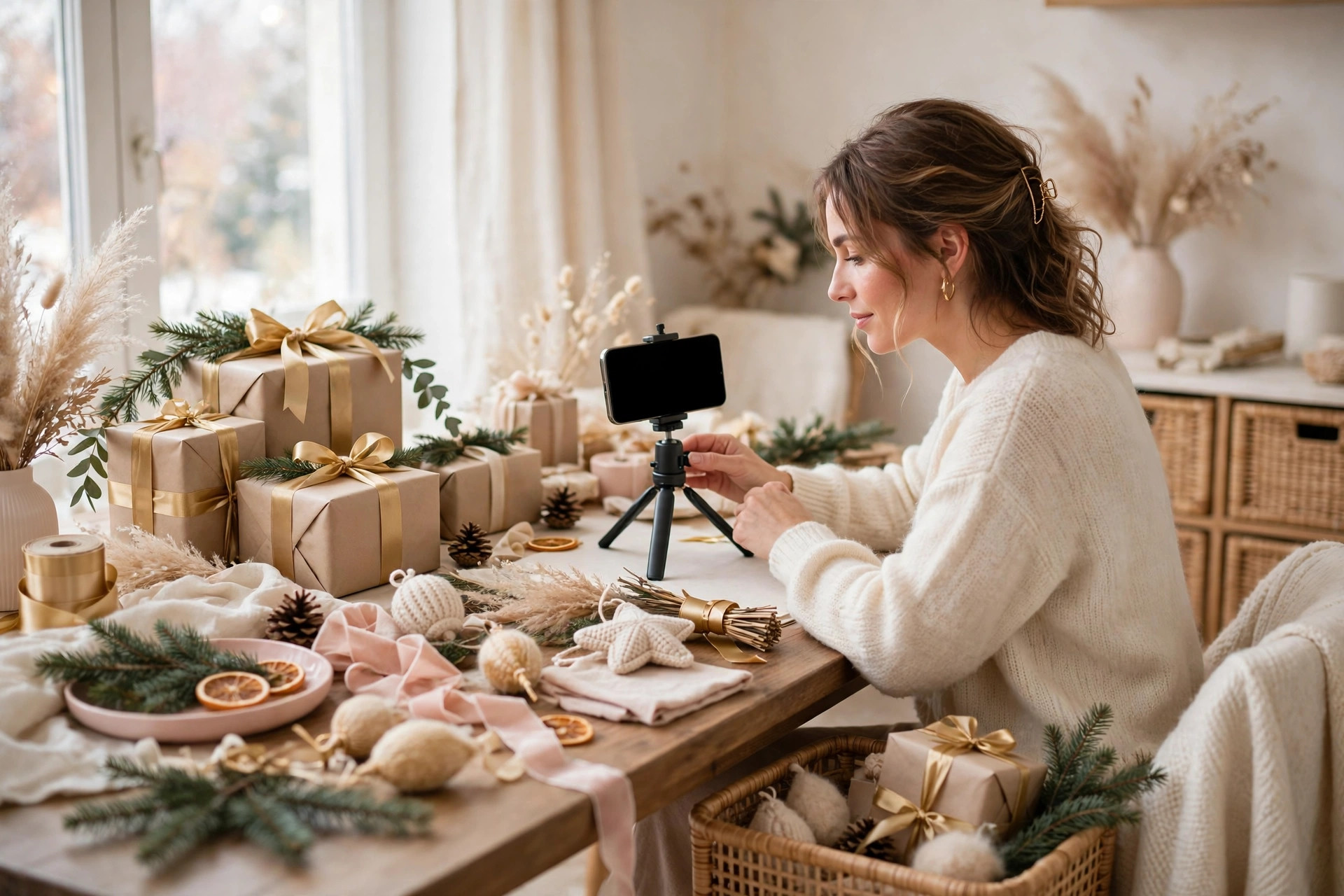
You can film a lovely Etsy video listing with just your phone, natural light, and a clean background. Hold the phone steady, film in the brightest part of the day, and keep the product as the star of every shot.
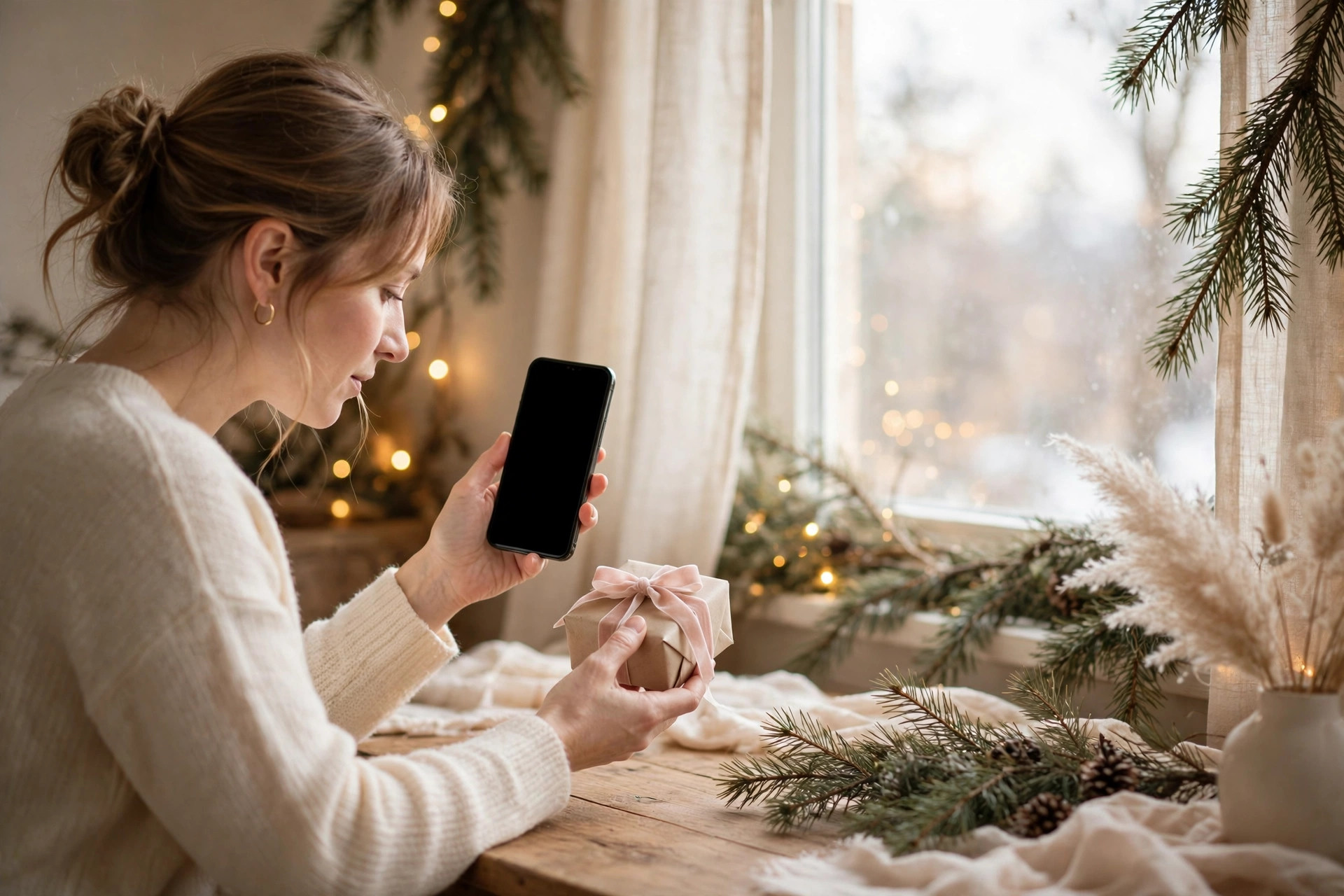
Start with a table near a window. Soft daylight flatters almost everything, from knitted stockings to ceramic mugs, and it costs nothing. Avoid harsh overhead lights, which change the colour of your product, and soften strong light with a thin white curtain.
Next, clear the background. A plain table, a linen cloth, or a wooden board works well. Add one gentle Christmas touch, such as a sprig of greenery, but keep the focus on your product. Then film each little moment separately and keep the best clips:
- Wipe your phone lens with a soft cloth before you start.
- Hold the phone steady with both hands, or prop it against books.
- Move slowly, since quick, jerky movements are hard to watch.
- Keep your hands clean and tidy, as they will be on camera.
Do not worry about making it perfect. Shoppers love a video that feels real, and one that shows the true colour and size will always beat a polished video that hides them.
What should I show in the first few seconds of my Christmas video?
The first few seconds of your Christmas video should show the finished product clearly, in good light, with no delay. Show the gift itself first, then the details, then the packaging, so a busy shopper understands what you sell straight away.

Christmas shoppers scroll fast, comparing many gifts at once, often late at night, and decide in seconds whether to keep looking. So lead with your loveliest shot: a personalised bauble with the name sparkling, or a gift set arranged beautifully together.
After that, show the details. Turn the product slowly so they can see the back and sides, and hold it next to a mug or your hand so they can judge the size. Size surprises are a common reason gifts get returned.
Finally, show the gift moment: open the box, tie the ribbon, and place the tag. A video of the unwrapping moment helps the shopper picture the smile on their loved one’s face.
How long should an Etsy video listing be?
An Etsy video listing should be short, usually well under a minute, with every second earning its place. Show the product, the details, and the gift moment, then end before the shopper loses interest.
Short videos work best for two reasons. Shoppers are busy, especially at Christmas, and a long video asks too much of their time. A video of twenty to forty seconds can hold everything a shopper needs, and it is easier to film and watch again.
Before you upload, check Etsy’s current seller guidance for the exact length, file size, and format rules, as these details can change. The Etsy Seller Handbook is the best place to check.
| Video length | Best for | Watch out for |
|---|---|---|
| Under 15 seconds | A quick look at one simple product | Too rushed to show details |
| 15 to 40 seconds | Most Christmas gifts and gift sets | Keep each shot slow and steady |
| 40 to 60 seconds | Personalised or detailed pieces | Cut anything that repeats itself |
If your video feels too long, trim it. Watch it once as if you were the shopper, and cut the moment you feel bored. A short, warm video always beats a long, wandering one.
How to Use Etsy Video Listings for Christmas Shoppers: Adding One to a Listing, Step by Step
To add a video to your Etsy listing, open the listing in your shop manager, find the video section, upload your finished clip, and save. The exact buttons may shift over time, so check Etsy’s help pages if your screen looks different.
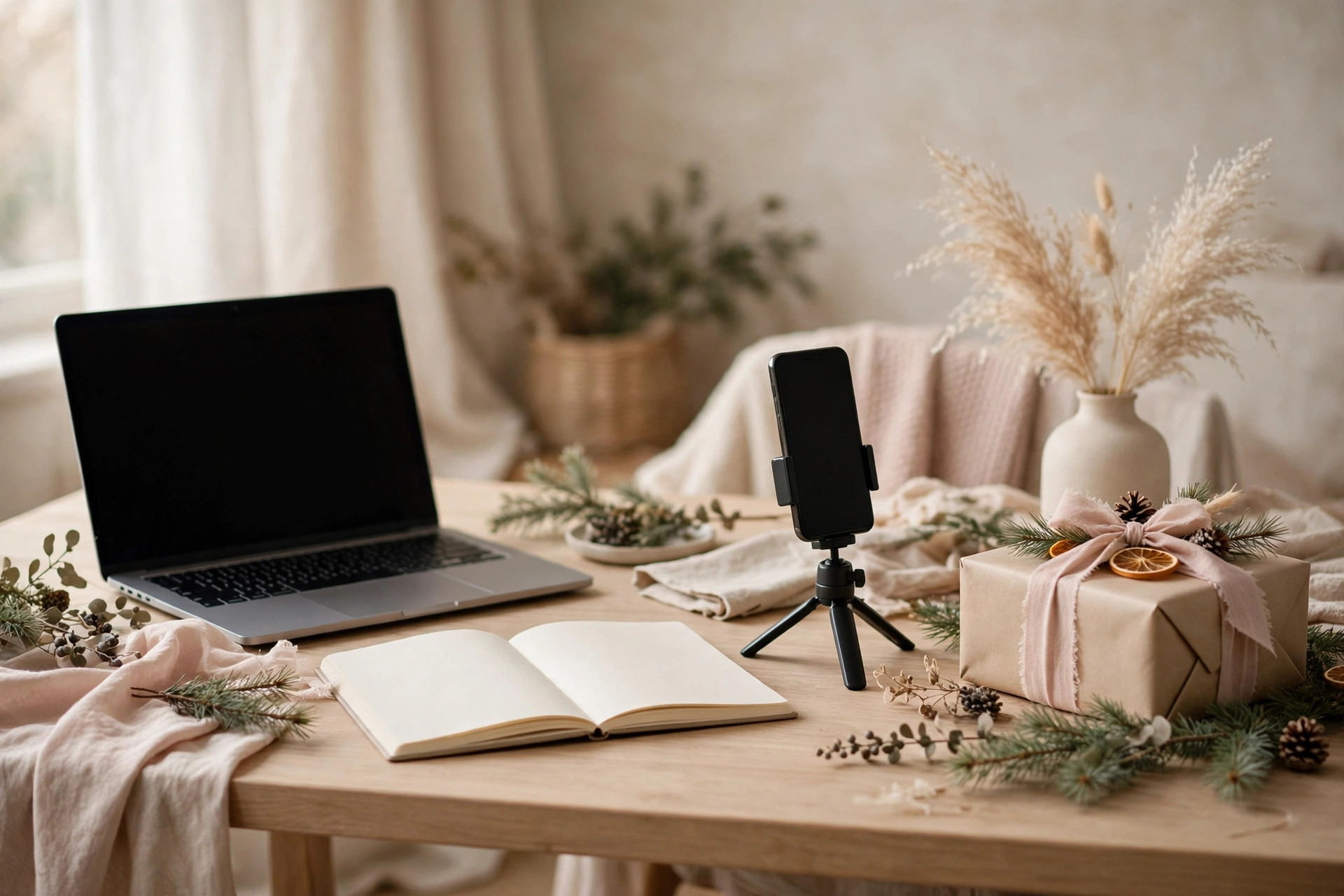
Here is the calm, beginner-friendly order to follow:
- Film your video and watch it all the way through on your phone.
- Save the best version, and check the file type is one Etsy accepts.
- Open your Etsy shop manager and go to the listing you want to update.
- Find the section for adding a video, usually near the photos.
- Upload your video and wait for it to finish processing.
- Preview the listing as a shopper would see it, and check the video plays smoothly.
- Save the listing, then open it once more to be sure the video is live.
Start with your best-selling Christmas listing, or the one you are most proud of. Add video there first, learn what works, then roll it out to the others. A few strong videos are worth far more than a shop full of rushed ones.
One gentle warning: never use music you do not have the right to use. Film the natural sounds of your work, such as paper rustling, or leave the video silent. Many shoppers watch with the sound off anyway.
What mistakes should beginners avoid with Etsy video listings?
Beginners should avoid shaky filming, dark lighting, cluttered backgrounds, and videos that hide the product. The most common mistake is showing too much, so focus on one product and one clear message.
Here are the mistakes we see most often, and how to dodge them:
- Filming in dim light. Dark videos hide your product’s true colour, so film near a window in daylight.
- Moving too fast. Quick pans feel dizzy, so move slowly and let each shot settle.
- A messy background. Clear the frame before you press record.
- Hiding the size. Show the product in a hand or beside a familiar object.
- Adding text over the video. Words are hard to read on video, so let the product speak instead.
- Filming everything at once. One video, one product, one story.
Watch your video on a small phone screen, not just your computer. Most Etsy shoppers browse on phones, so if it looks lovely there, it will look lovely everywhere.
How can I use video to show gift wrapping and personalisation?
Use video to show gift wrapping and personalisation by filming the parcel being wrapped, tied, and tagged. Shoppers pay for the feeling of a ready-to-give gift, and a video lets them see that care before they order.
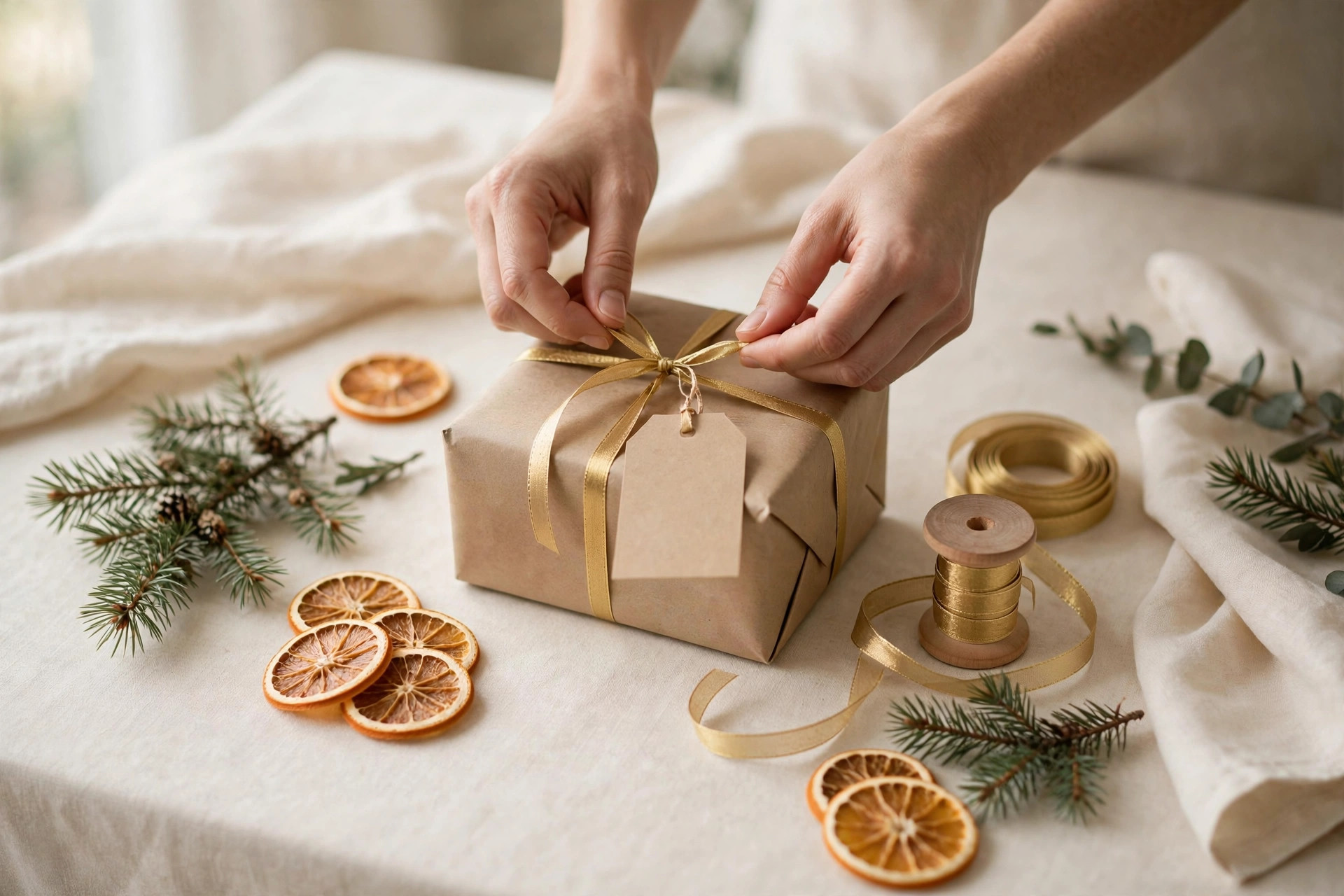
Gift wrapping is one of the easiest video wins for Christmas sellers. Film your hands folding the paper, tying the ribbon, and adding the tag, then show the finished parcel from a few angles. If you offer a gift message, show a blank card and explain in your description how the buyer adds their words. Never show a real customer’s message.
Personalisation is just as powerful on video. If you engrave names or hand-letter tags, film a finished example with a common name like Emma or Noah, and show the lettering up close. Then explain in your description how buyers send their name or date, and when you need it by. A calm, honest note about your last personalisation date builds trust.
Frequently asked questions about Etsy video listings for Christmas
These are the questions Christmas sellers ask most often about Etsy video listings, answered simply so you can start filming with confidence, avoid the most common beginner worries, and feel ready to press record.
Do I need a professional camera to make an Etsy video?
No, you do not. A modern phone camera is more than good enough. What matters is bright, soft light, a steady hand, and a clean background, so spend your energy there rather than on new equipment.
Can I add a video to a listing that is already live?
Yes, in most cases you can edit a live listing and add a video. Open it in your shop manager, add the video, preview it as a shopper would see it, and save. It is a lovely way to refresh your Christmas bestsellers.
Should my Etsy video have music or talking?
It is entirely up to you, and silent videos work very well. Many shoppers watch with the sound off, so your video should make sense without any audio at all. If you do add music, only use music you have the right to use, and keep it soft and gentle.
What if my first video does not look perfect?
That is completely normal, and shoppers expect handmade sellers to feel human. A warm, honest video that shows the true product beats no video at all. Film a second version when you can, and keep going; every video feels easier than the last.
Christmas is the kindest season to try video. Shoppers look for gifts with heart, and your handmade work already has that. A short video simply lets them see it, so pick one listing, find your brightest window, and film your first clip today.
Ready to begin? Choose your favourite Christmas listing and film one short video this week. Keep notes on what worked. Your future self, wrapping orders on a cosy December evening, will be glad you started now.
Leave a Reply